
Dear Crestwood Families,
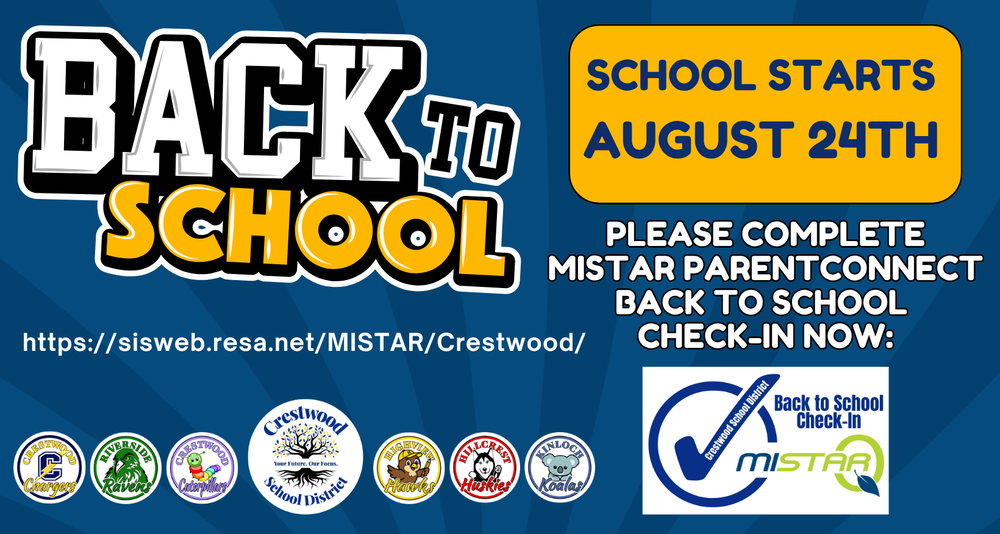
To ensure a smooth start to the school year, all parents/guardians are required to complete the MiStar Back to School Check-In for each student in their household before the first day of school.
Completing your annual check-in ensures that we have your most up-to-date contact information so you receive important school and district communications throughout the year. It also allows you to:
Confirm emergency contacts
Update your address and health information
Access important forms for your child's doctor
Acknowledge required district policies
Complete everything in one convenient location before school begins
To complete the check-in:
Log in to your MiStar ParentConnect account through the MiStar Parent Portal: https://sisweb.resa.net/MISTAR/Crestwood/
Complete all Back to School Check-In steps for each student in your household.
For the best experience, please use a desktop or tablet rather than a phone.
Need a computer?
Chromebooks are available in the lobby of the Crestwood Board Office (1045 N. Gulley) Monday through Thursday from 9:00 AM–2:00 PM for families who need assistance completing the process.
Need help?
Step-by-step instructional videos are available to guide you through the Back to School Check-In process.
English: https://5il.co/3k3nb
Arabic: https://5il.co/3k3na
Please ensure your child/student is aware of their MiStar StudentConnect Username and password. Please keep your MiStar ParentConnect password a secret from your student. If you forgot your ParentConnect pin or password, you can reset it from the MiStar Portal.
Thank you for taking a few minutes to complete this important annual requirement. Keeping your information current helps us communicate with you effectively and ensures your student is ready for a successful first day of school.
We appreciate your partnership and look forward to welcoming our students back for another outstanding year of learning, growth, and success in the Crestwood School District. If you have any questions or need assistance, please don't hesitate to contact your student's school or the District Office at 313-278-0906. We can't wait to see everyone on the first day of school!